
Design · Production readiness · Digital workflows

Take your product from design to technical delivery.

Product design, CAD models, technical drawings and production data for manufacturers and engineering teams.

No account is needed to get in touch.

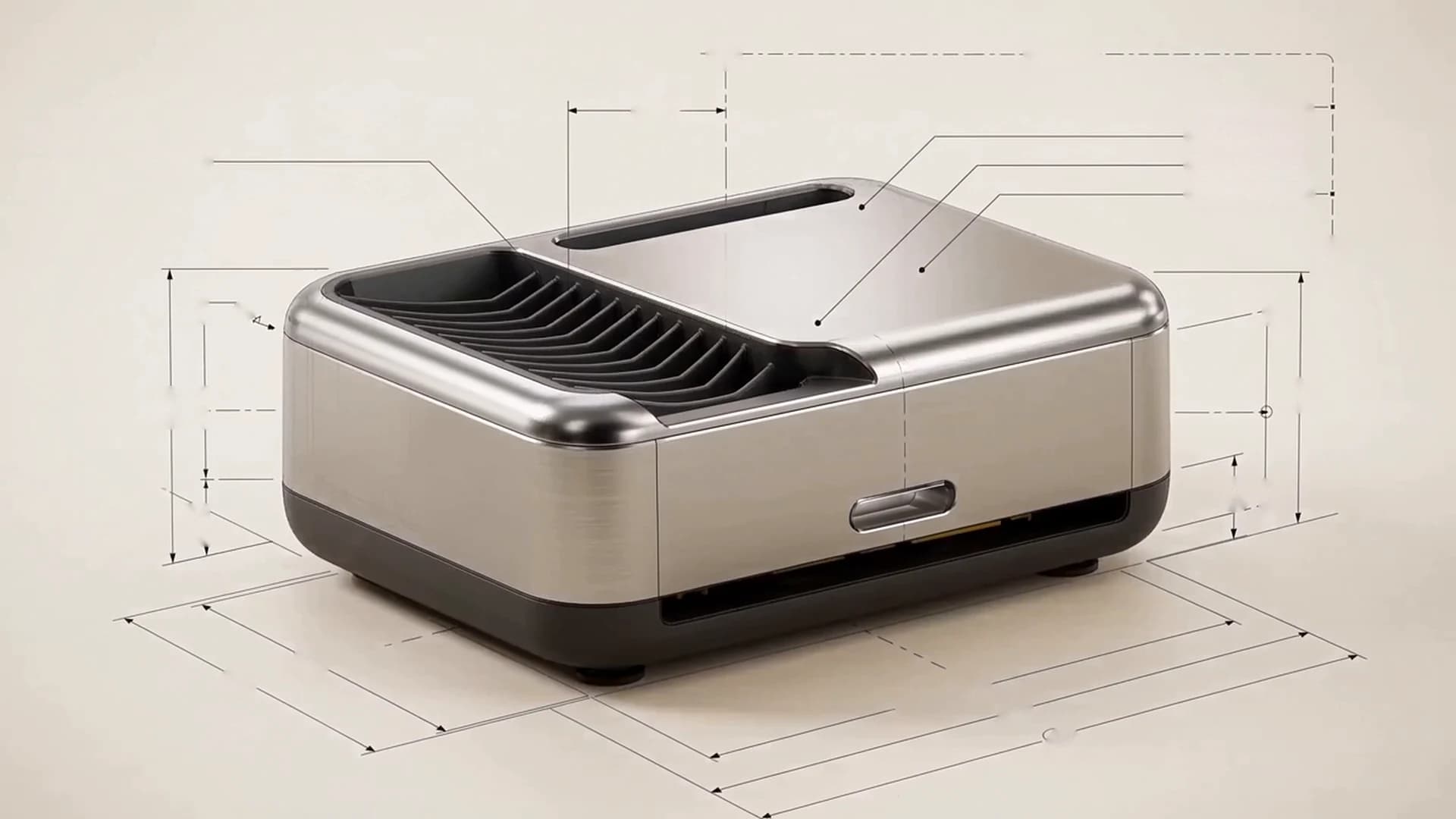
Concept visual · Fictional product

Where does your project start?

Start with the right technical service.

Start with what you need; we’ll define the scope together.

  • Design

    4 services

    Develop your product

    Develop your idea or refine your existing design.

    Explore product development
    • Product design and 3D CAD
    • Technical assessment
    • Photorealistic rendering
  • Production readiness

    4 services

    Prepare for production

    Turn your design into production-oriented technical deliverables.

    Explore production readiness
    • Technical drawings and production data
    • BOM and technical documentation
    • Technical sourcing support
  • Digitalisation

    5 services

    Digitise your workflow

    Track your data and operations more easily.

    Explore digital workflows
    • Barcode and document automation
    • Production tracking and ERP / MES
    • Data solutions and reporting

Connected technical deliverables.

We develop models, drawings and production data as connected deliverables.

We develop models, drawings and production data as connected deliverables.

Sample studyFictional examples, not a client project.

Fictional examples, not a client project.

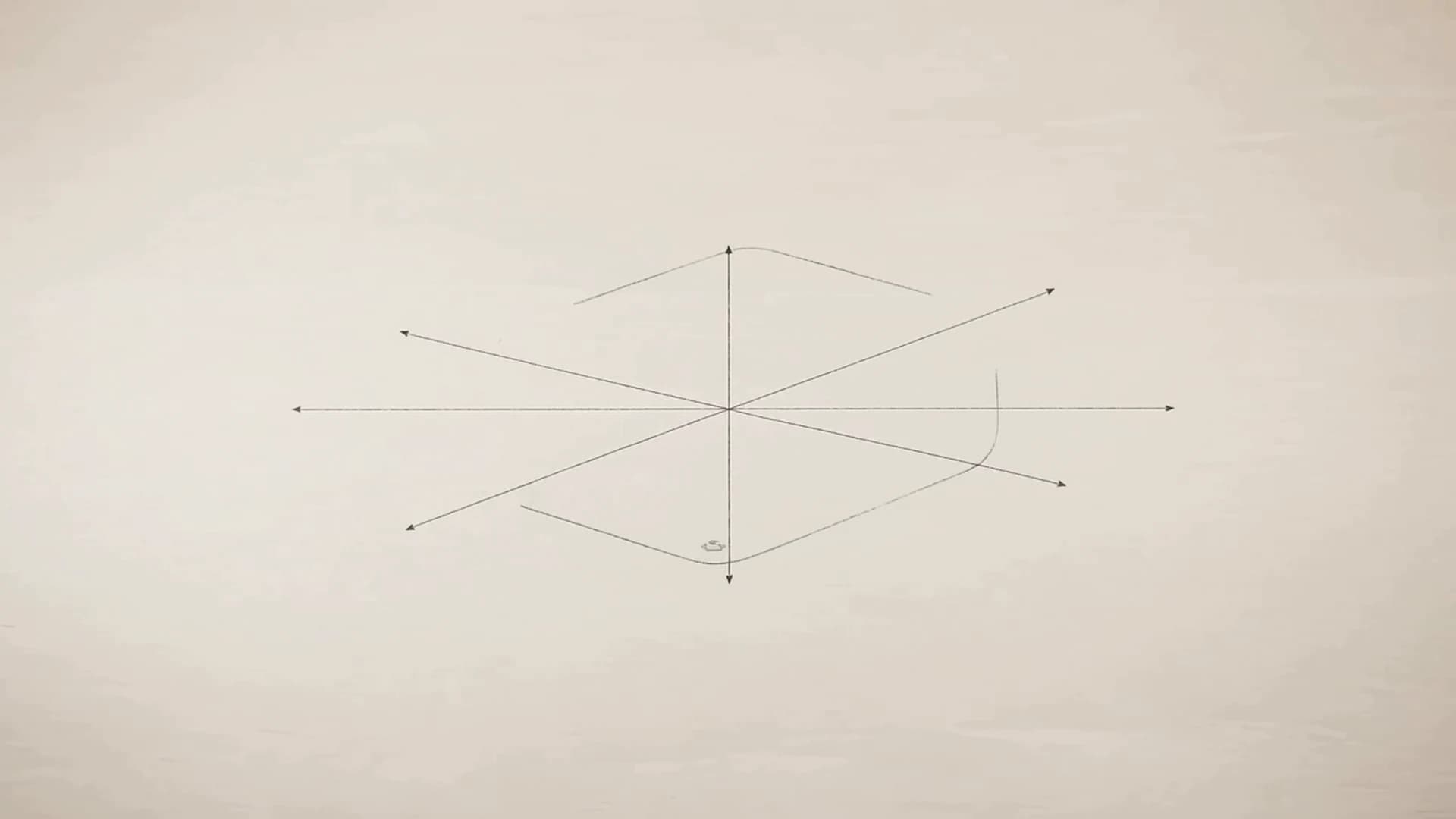
Scroll to follow a product from design to technical delivery.

  1. 01

    Concept

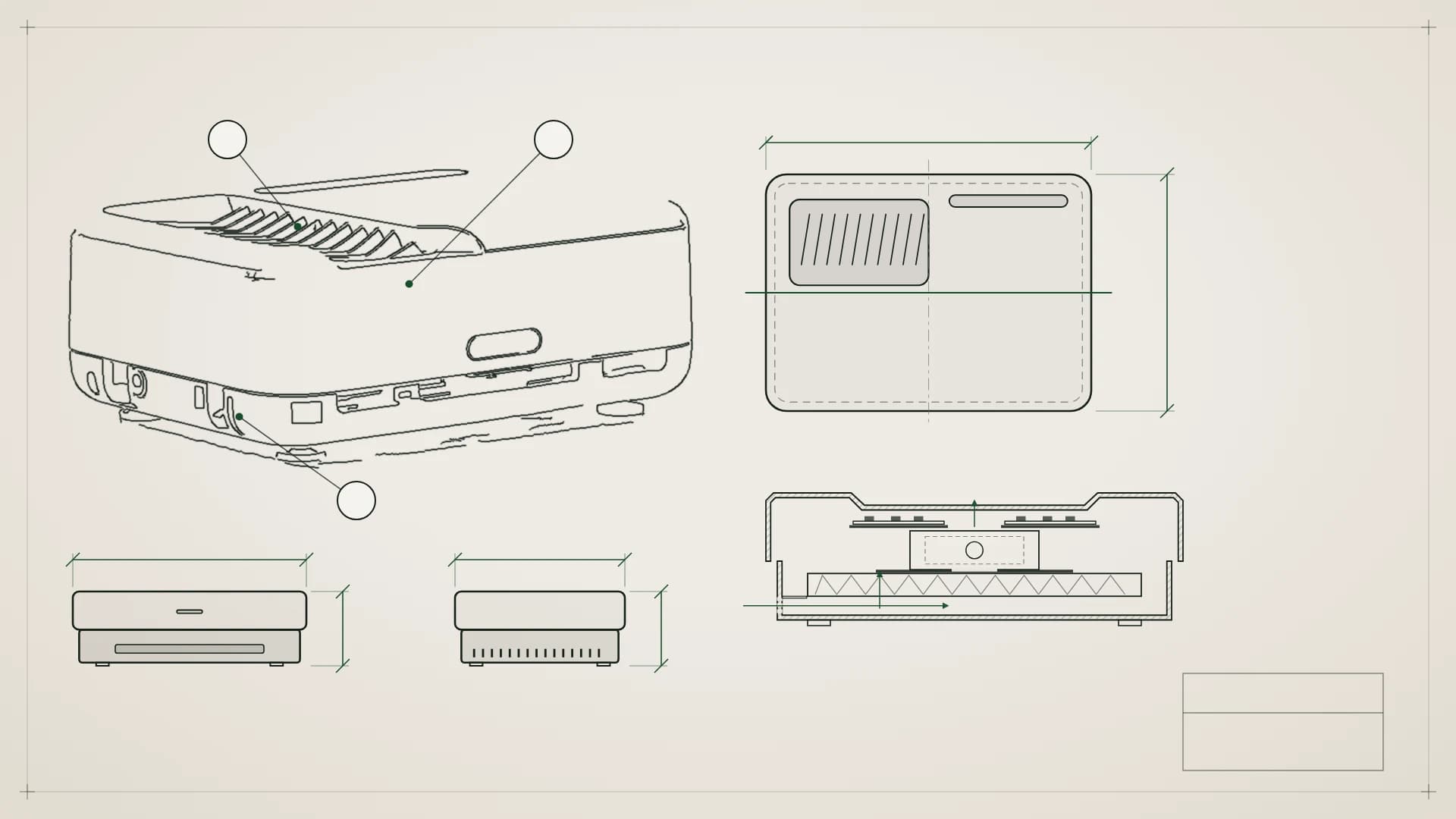
    The product starts with key dimensions and structural reference points.

    OutputKey dimensions and layout

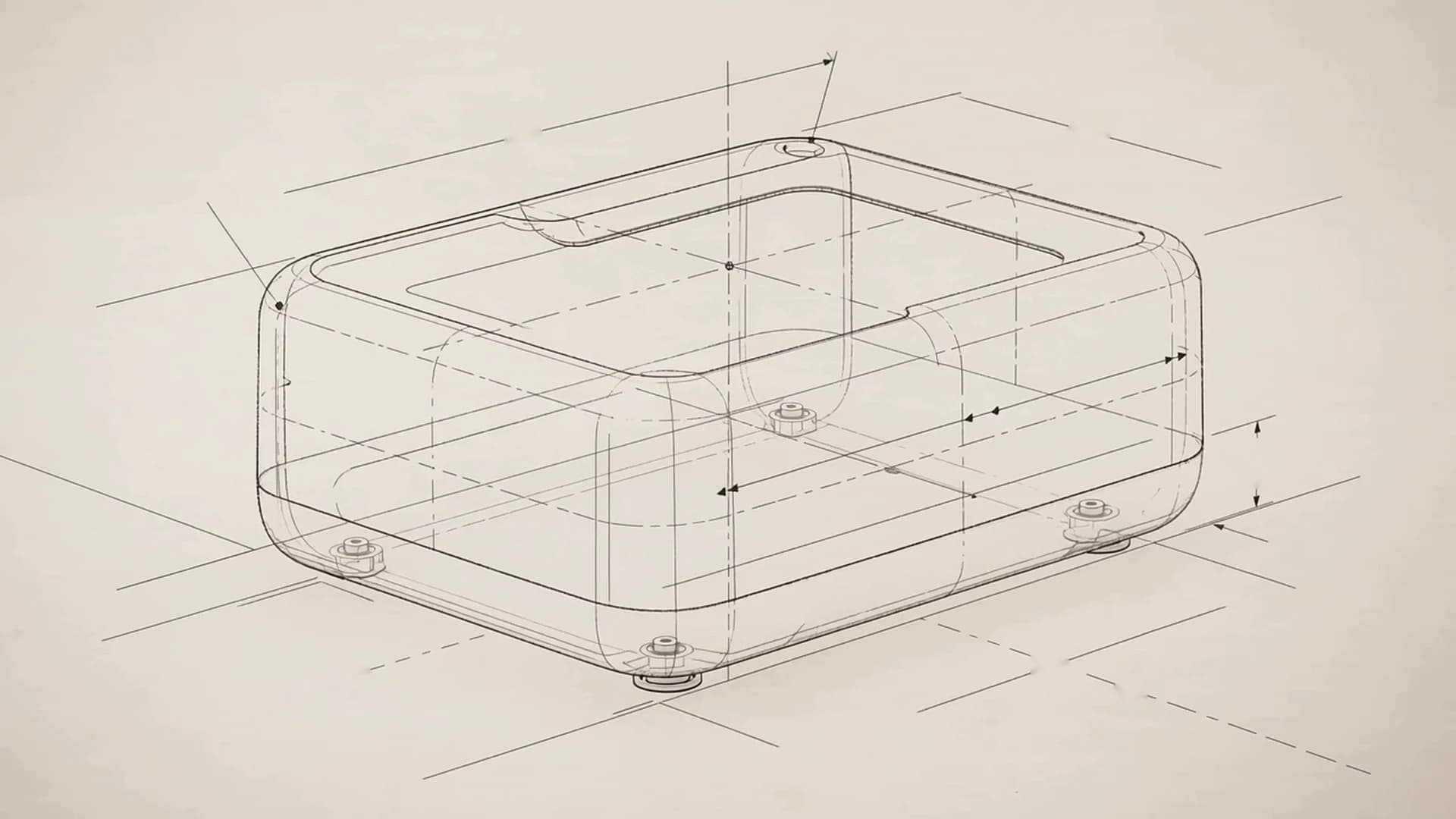
  2. 02

    Geometry

    Dimensions define the sketch profile.

    OutputDimensioned sketch

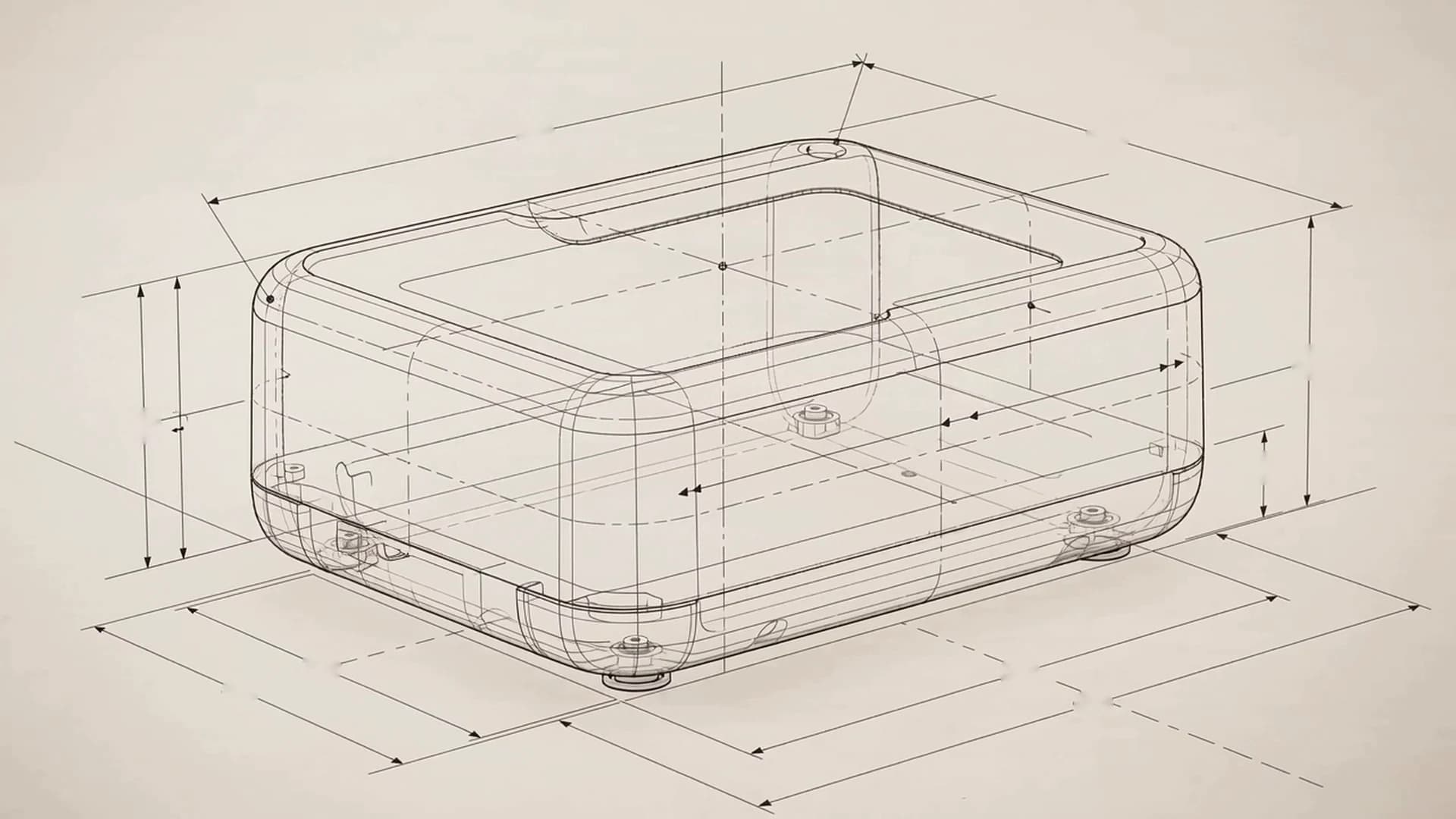
  3. 03

    3D CAD

    The profile becomes an editable 3D model.

    OutputEditable 3D model

  4. 04

    Parts

    The model is divided into individual parts.

    OutputPart breakdown

  5. 05

    Assembly

    Parts come together through shared axes and mating faces.

    OutputAssembly structure

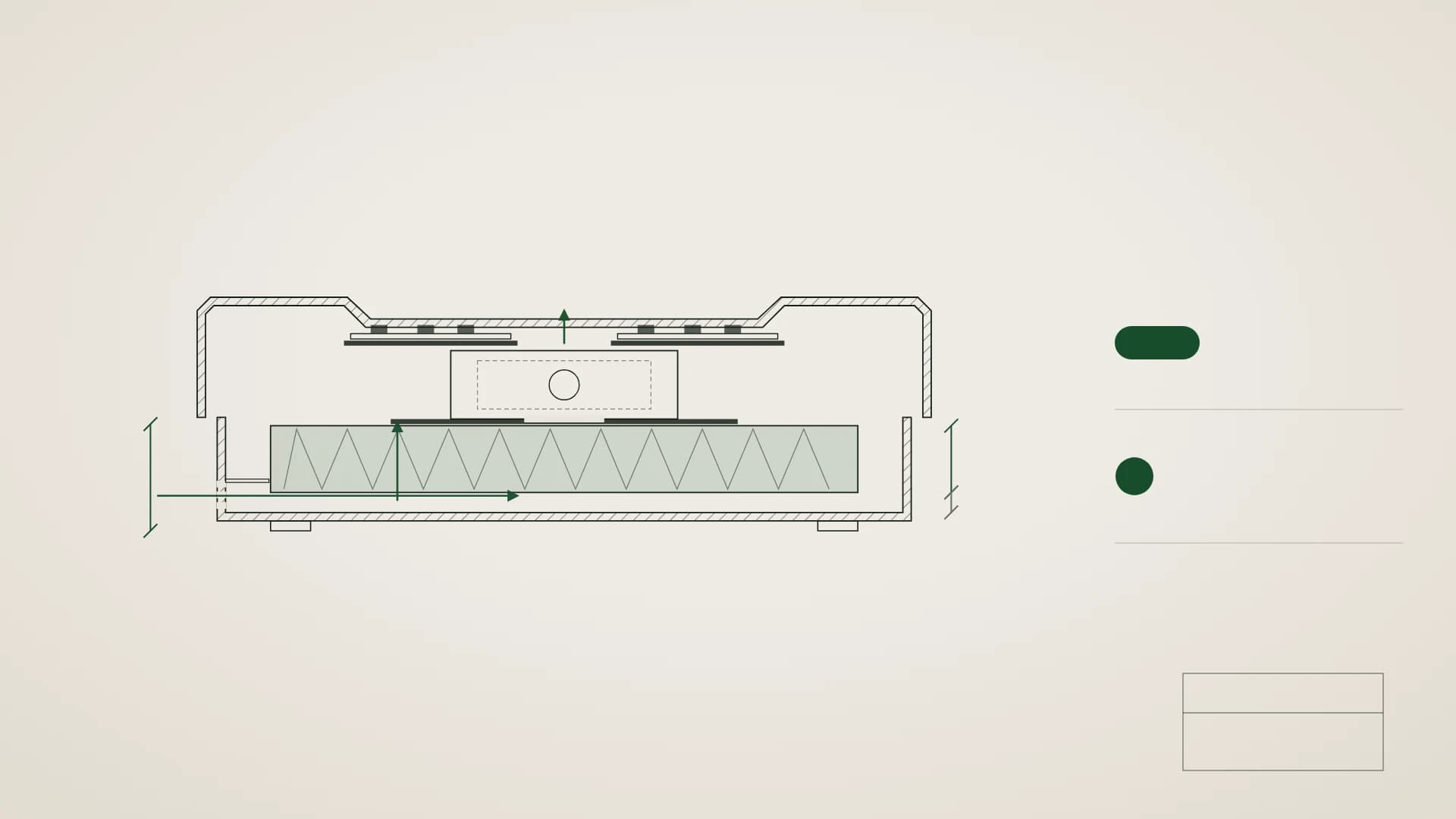
  6. 06

    Technical drawing

    Views and dimensions are derived from the same model.

    OutputViews, sections and dimensions

  7. 07

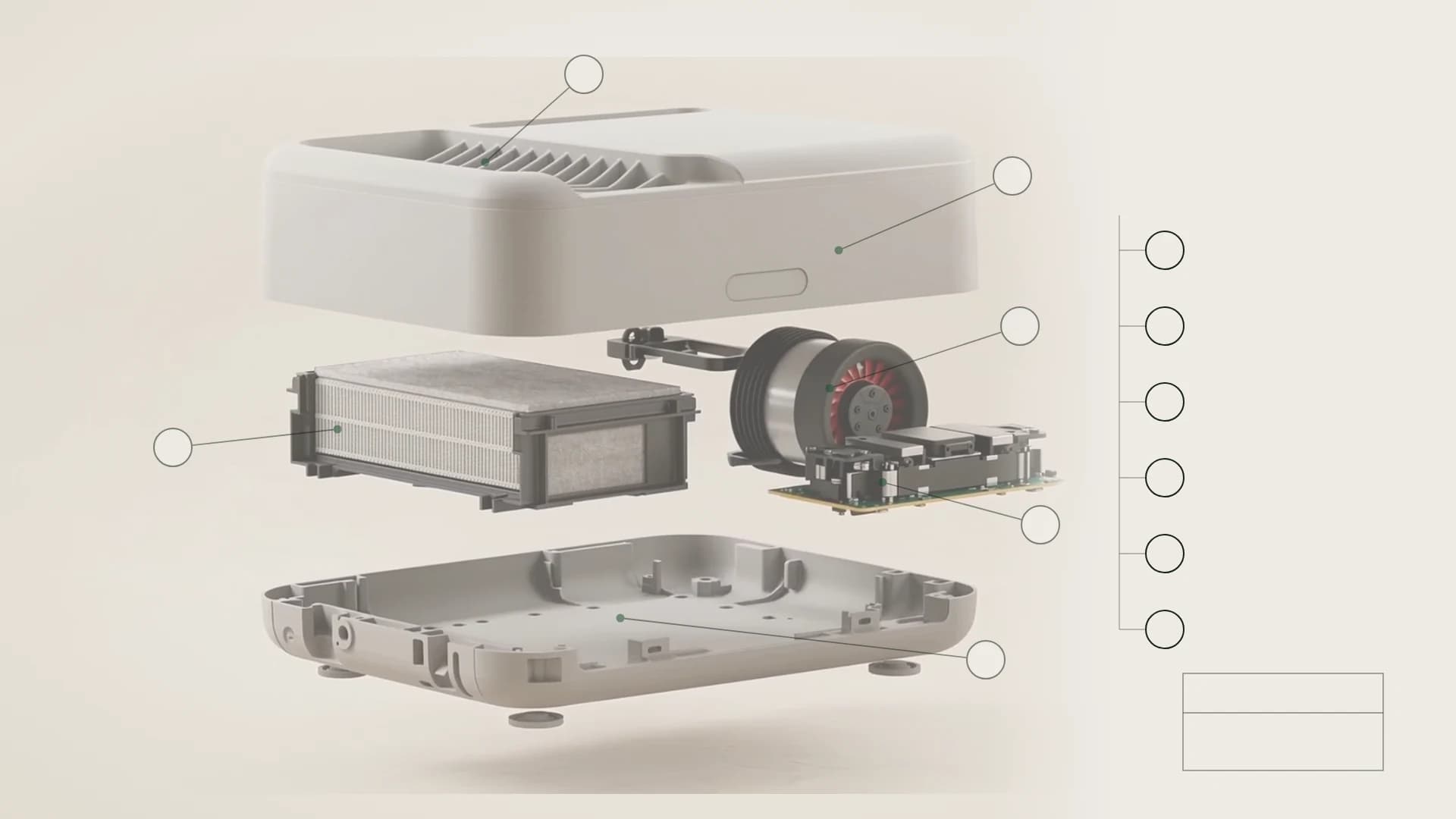
    BOM

    Each part is numbered in the BOM.

    OutputNumbered parts list

  8. 08

    Production data

    Material and process data is linked to each part.

    OutputMaterial and process data

  9. 09

    Revision

    A dimension changes; the model and linked deliverables update together.

    OutputRevised model and deliverables

  10. 10

    Visualisation

    Materials and finishes turn the same technical model into a realistic product visual.

    OutputProduct visuals

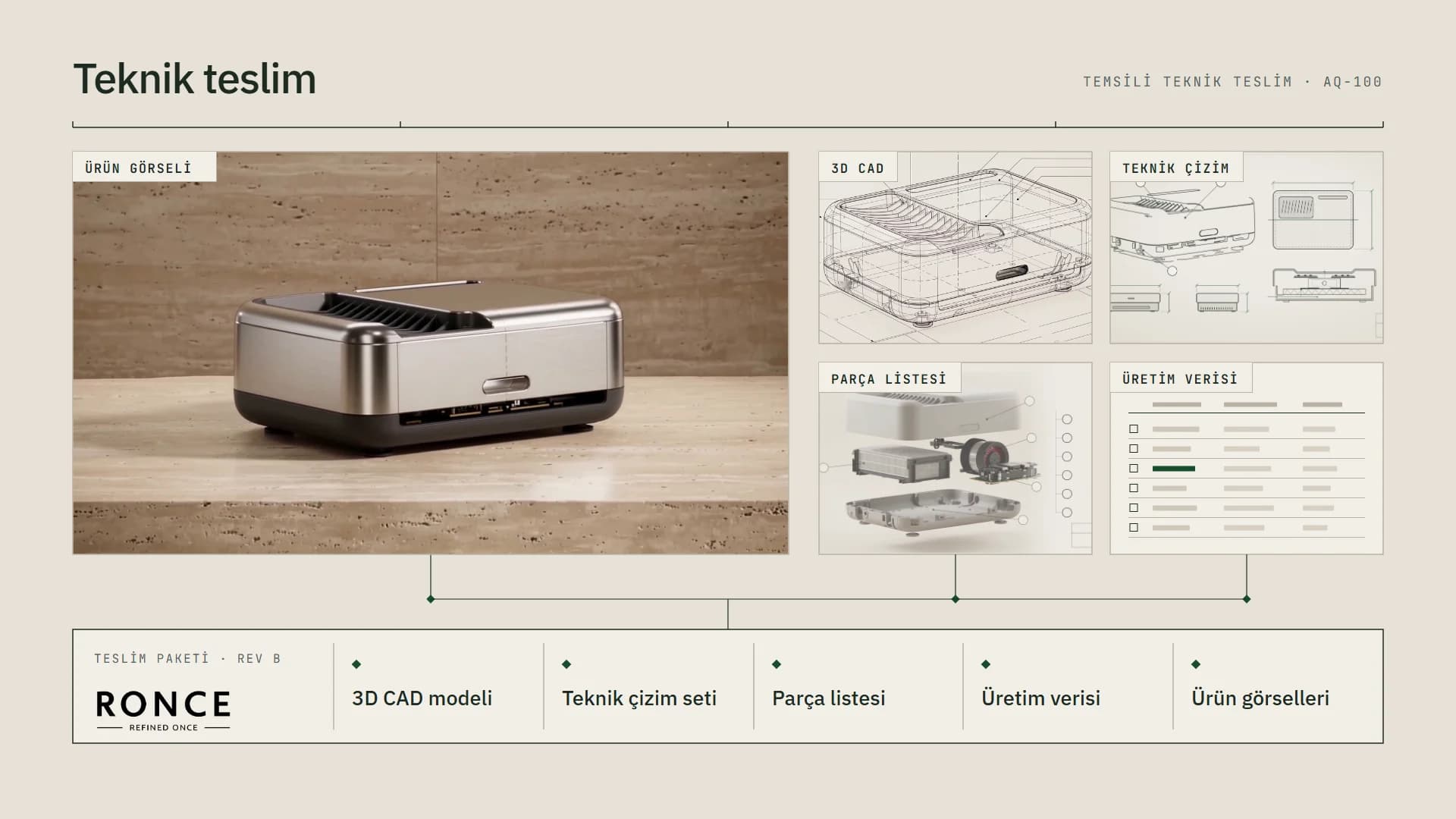
  11. 11

    Technical delivery

    The model, drawings, BOM and production data form one technical package under the same revision.

    OutputIllustrative technical package

    • 3D CAD model
    • Technical drawing set
    • Bill of materials (BOM)
    • Production data
    • Product visuals

Turn your design into practical technical deliverables.

Technical deliverables tailored to your team’s next step.

  1. 013D CAD

    Build your 3D model

    We bring dimensions, parts and assembly relationships into one editable 3D model.

    • Parametric model
    • Assembly structure
    • Part relationships
    3D CAD model of a fictional desktop controller, with a completed feature tree and housing, cover, rotary knob and side bracket; linked to drawings, BOM and production data.
  2. 02Technical drawing

    Prepare production drawings

    We turn your model into production drawings with dimensions and technical notes.

    • Views
    • Sections
    • Dimensioning
    • Connection details

    Illustrative drawing; not an actual production approval.

    Sample ergonomic chair drawing with dimensioned front, side and top views, armrest connection detail and title block; illustrative dimensions, not for production.
  3. 03BOM

    Define your product structure

    We bring parts, codes and quantities into one product structure.

    • Exploded assembly
    • Part codes
    • Quantities
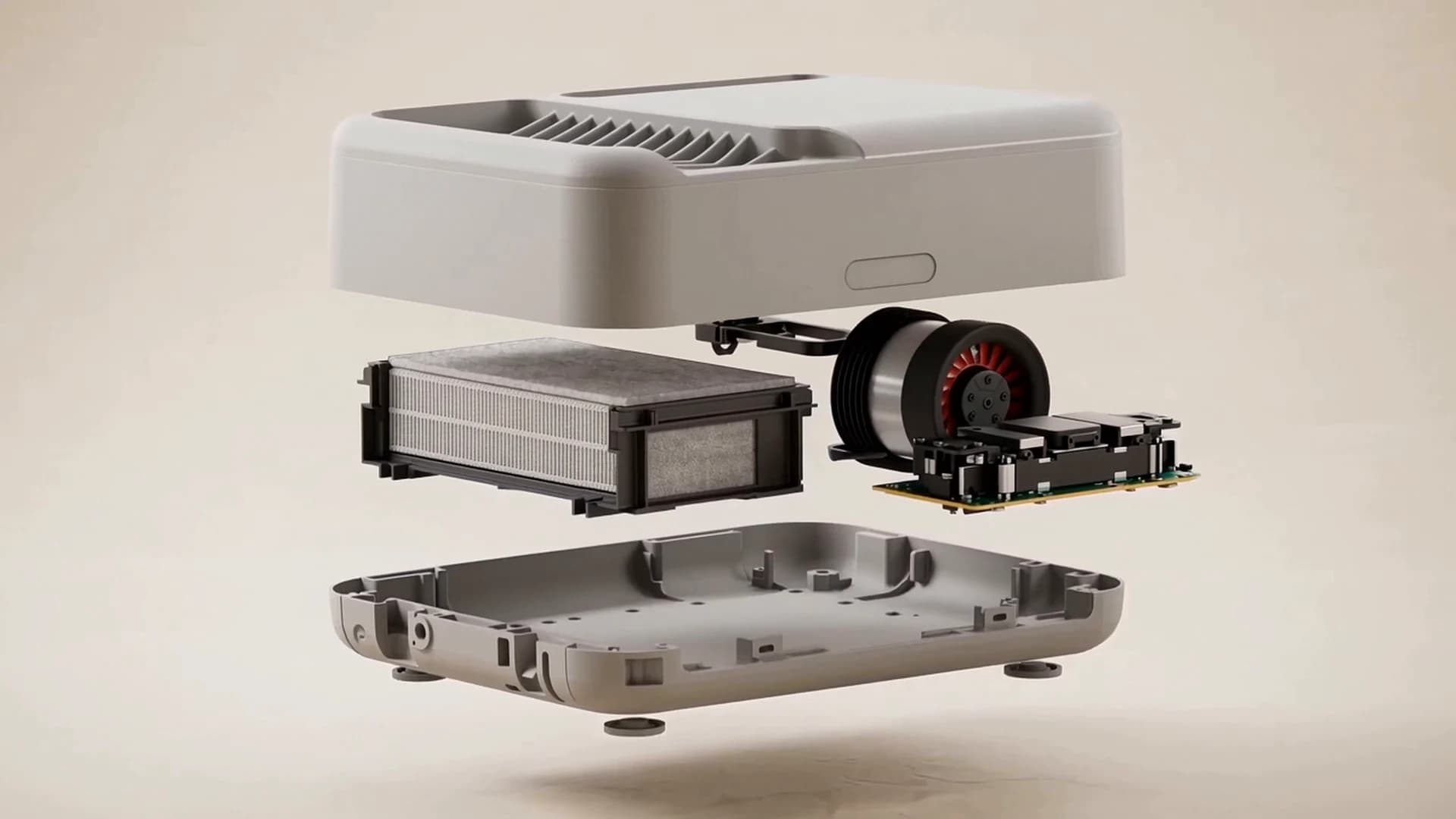
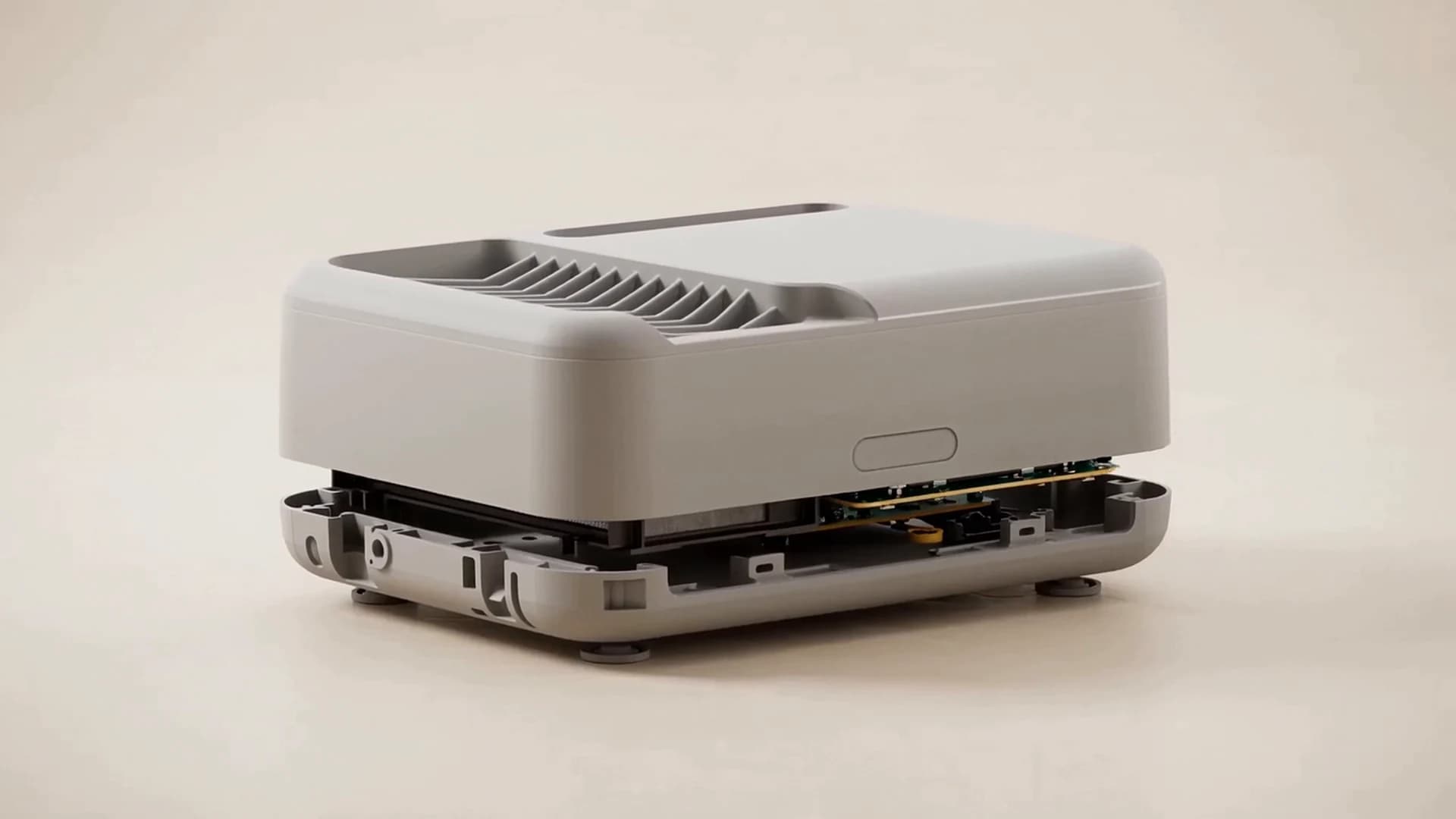
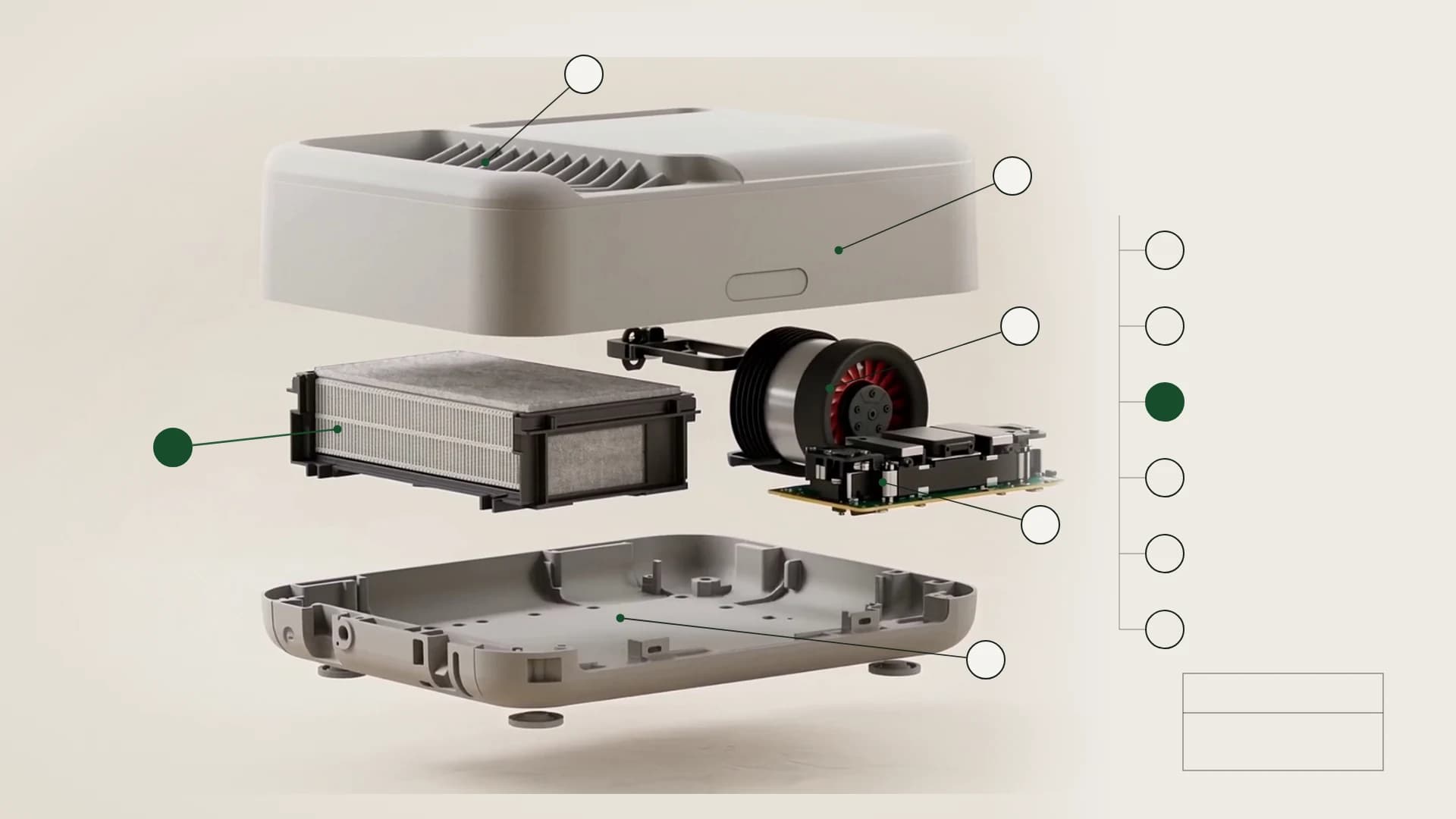
    Sample smart speaker exploded assembly numbered 01–07, matched to a parts list with names, codes, materials, quantities and operations.
    Sample studyBOM
  4. 04Production data

    Organise production data

    We organise product, part and revision information into production records.

    • Product code
    • Variants
    • Revision

    Illustrative data; not an actual production approval or ERP/MES integration.

    Sample smart speaker master data, BOM summary, variants, production parameters and traceability records; sample values without approval status or integration.
    Sample studyProduction data
  5. 05Rendering

    Visualise your product

    We create photorealistic visuals from your technical model for presentations and communication.

    • Studio rendering
    • Materials and finishes
    Illustrative smart speaker presentation combining studio, colour, lighting and angle variants with social-media, banner and catalogue outputs from the same model.
    Sample studyRendering

Connected deliverables from one technical source.

The scope follows your requirements; not every project needs every deliverable.

How we work

From requirements to approved deliverables.

We define the requirements together and develop the work through to approved digital delivery.

  1. Understand the need

    Share your idea or existing files.

  2. Define the scope

    Agree the scope, deliverables, price and timing together.

  3. Develop the solution

    Track reviews and revisions together.

  4. Approved delivery

    Receive the agreed digital deliverables in their approved versions.

Technical deliverables ready for your next step.

Project workspace

Files, revisions and decisions in one place.

Explore a shared view of files, revisions and decisions.

Concept interface illustrating files, delivery versions and project status; the sample tools and records do not show a current product screen.
Concept interface, not a current product screen; the 3D preview and tools do not represent a feature commitment.
  1. Current deliverables

    Files submitted for review are tracked with their delivery version and approval status.

  2. Revisions and versions

    Change requests link to the relevant deliverable; updated versions remain separate records.

  3. Project status

    Stages, tasks and actions awaiting your input appear in one view.

Why RONCE?

Technical expertise for your next step.

We combine product development, CAD and digital workflows around your project.

Technical continuityCarry design decisions into the next stage.

We develop the product structure alongside its model and drawings, so design decisions also inform the other agreed deliverables.

  • Product development
  • CAD and technical drawing
Explore the sample study
Usable deliverablesGive your team files they can work with.

We organise parts lists, documentation and process data for your team, with data and document automation where needed.

  • Technical documentation
  • Production systems
View production data
Controlled workflowKeep the current version and next step clear.

We agree the scope and track revisions and delivery versions, keeping technical work aligned with decisions and approvals.

Explore the workspace

FAQ

Before you begin

Getting started

Which service should I start with?

Describe your product or process and the outcome you need. We’ll define the technical scope together. No service selection or account is needed for your first message.

What should my first message include?

Summarise your goal, current situation and expected deliverables. Include intended use, technical constraints and target dates if known. Sensitive files are not needed in the first message.

Can we start with just an idea?

You don’t need a finished CAD model. We can discuss an idea, sketch or product description, then agree the required inputs and design scope before modelling.

Can you help with a single drawing or a small task?

Yes. Start with a single CAD model, drawing, BOM or automation task. You don’t need a project covering every service; the scope follows your requirements.

Can you work with my existing designs or files?

We can assess your existing work as an input. We review file formats, editability and technical suitability before defining any corrections or remodelling.

Scope and delivery

How are price and delivery timing agreed?

We review the inputs, technical scope, deliverables and revision requirements. Pricing and timing are set out in the proposal; additional requirements are assessed as scope changes.

What will I receive, and in which formats?

Depending on the project, deliverables may include CAD models, drawings, parts lists, documentation or digital outputs. Tell us your software and source-file needs; the proposal defines the deliverables and formats.

How are revisions handled?

Feedback is tracked against the relevant delivery version. Revision limits are defined in the project scope; new requirements outside it are reviewed separately. Current and previous versions remain separate records.

How do I share technical files?

A short written brief is enough to begin. As work progresses, technical files can be shared through the controlled project workspace, alongside delivery versions and feedback.

Do you manufacture products or prototypes?

No. RONCE does not manufacture products. We provide design, production-readiness, technical-data and digital-workflow services. Technical support for production or sourcing is assessed separately within the project scope.

Let’s discuss your project

Tell us what you need. We’ll define the scope together.

Start with a product idea, an existing CAD file, a production challenge or a workflow you want to digitise.

You don’t need to choose a service or create an account before contacting us.

Get in touch

“Tell us about your project” sends a short message; “Create a project request” opens an account-based request with files.

Back to top

LET’S GET STARTED

Tell us about your project

Briefly describe your goal; we’ll define the scope together.

Fields marked * are required.

Project and contact details

01 What can we help you solve?

What do you need help with?Optional

Share your starting point and desired outcome. We’ll clarify the technical details together.0 / 3000

What happens next?

We review your requirements and clarify the scope, then set out pricing and timing in a proposal.

02 How can we reach you?

Add company / phoneOptional

Project files

Optional

All file types · Up to 5 files · 10 MB total

Files are sent with your message.

Attachments are optional. You can add drawings, CAD files, photos or documents. Sensitive files can be shared later in the controlled project workspace.

Your personal data is processed to assess your enquiry and contact you. For details, see the Privacy Notice (opens in a new tab).

No account required.info@ronce.com.tr ↗